
Digital Grid
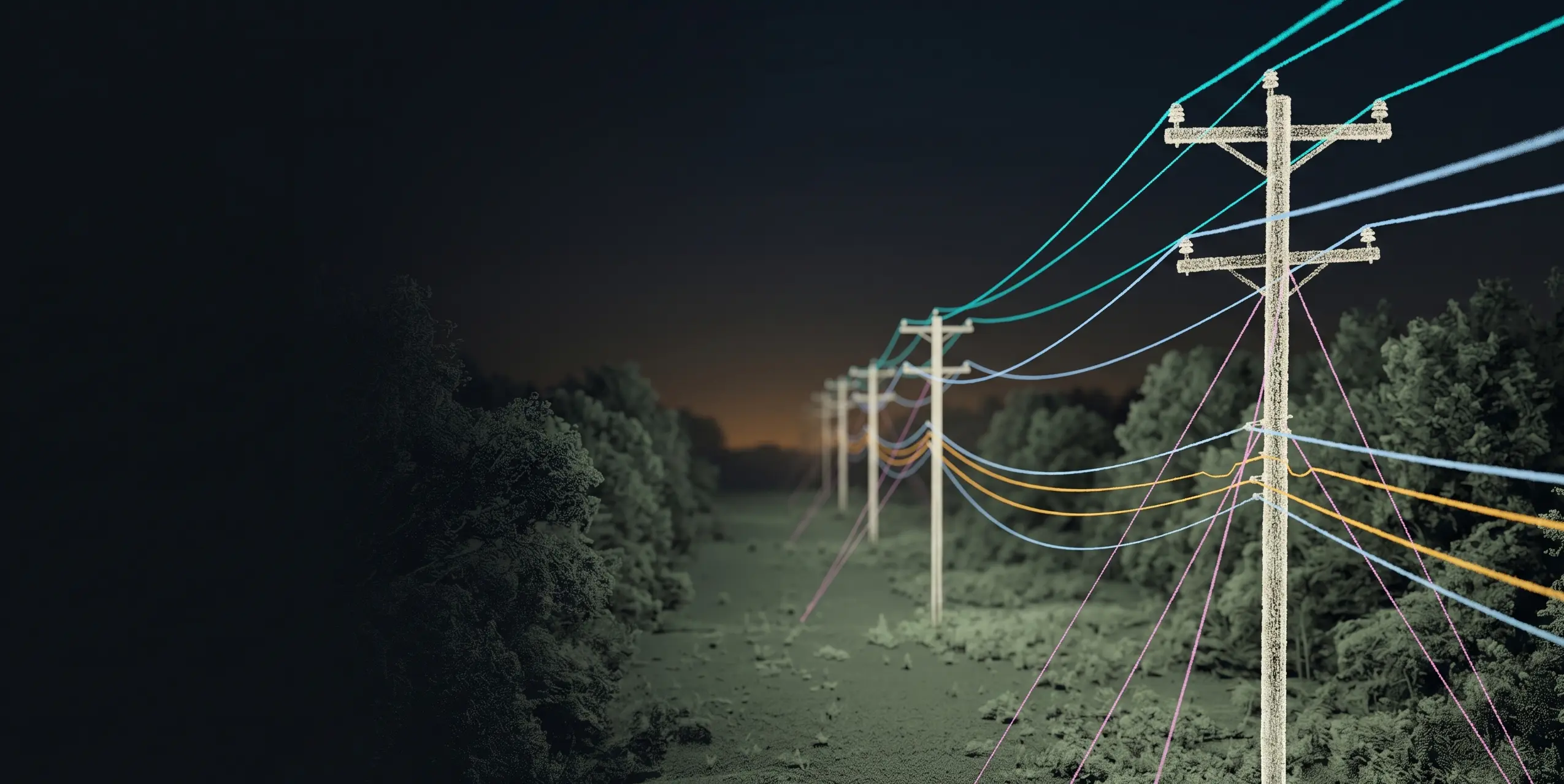
Utility LiDAR, turned into an engineering-ready grid.
Quantiscan builds a Digital Grid from point clouds: poles, spans, wires, crossarms, guy wires, service wires, attachments, vegetation, clearance results, and joint-use evidence that downstream utility and broadband teams can use. If you already have GIS or rough pole locations, those inputs can accelerate extraction.
Digital Grid Use Cases
From utility LiDAR to as-built models, joint-use planning, analysis, and export.
As-Built Modeling
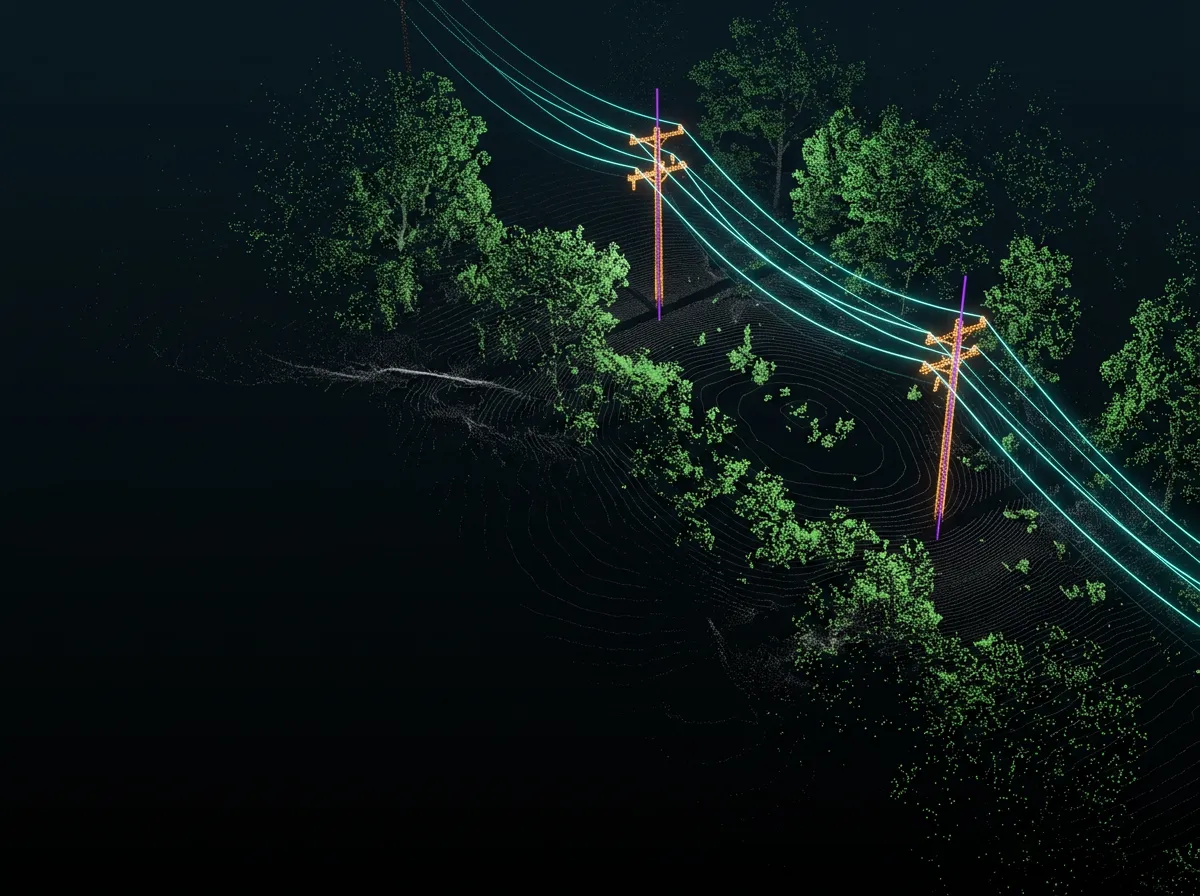
Extract poles, spans, wires, crossarms, transformers, street lights, guy wires, and service wires into one editable utility model.
Modeling workflow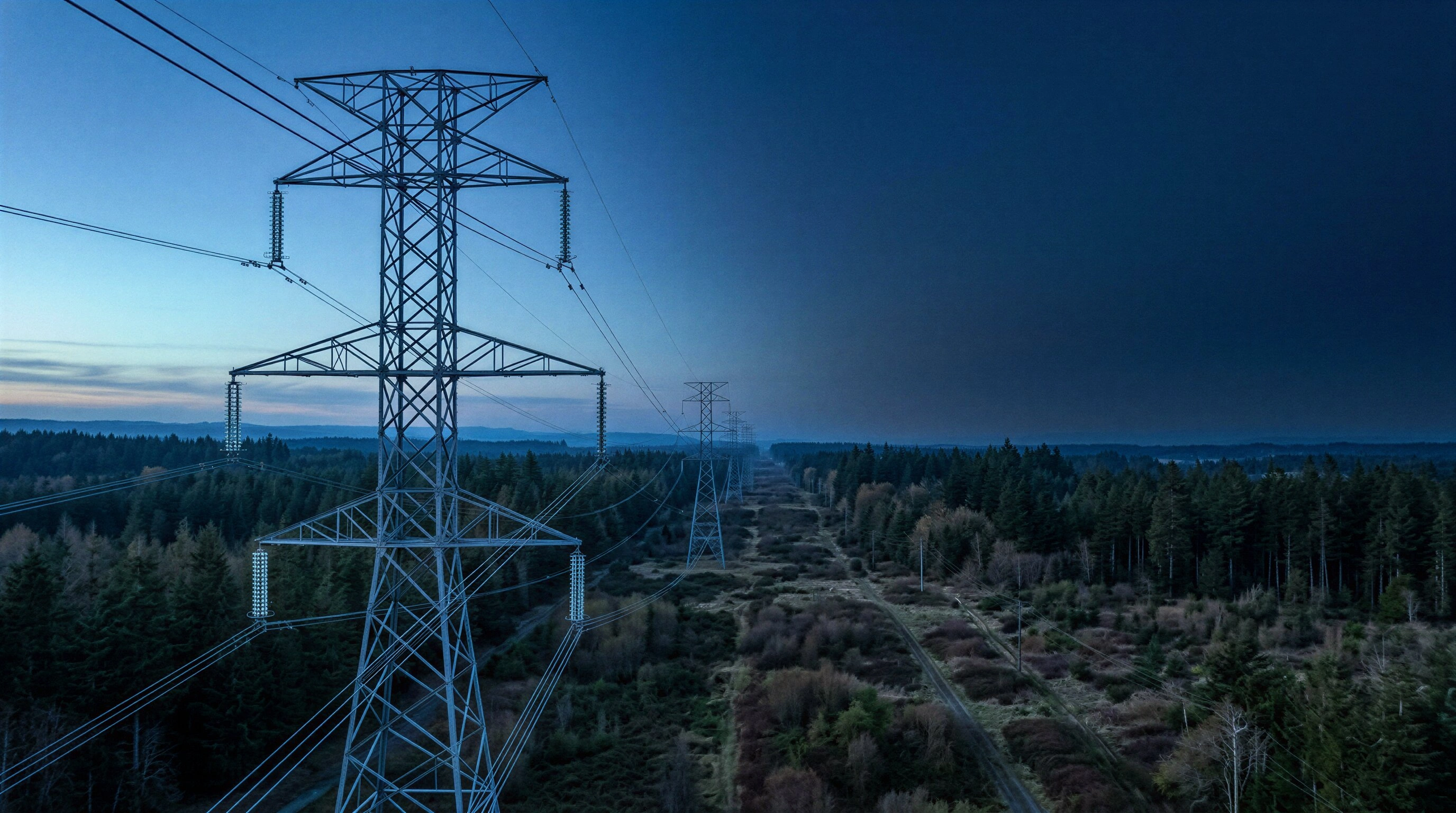
Joint Use Projects
Support broadband and BEAD-style deployments with pole, span, attachment, lower-level wire, and make-ready context in one model.
Joint-use workflow
Clearance Analysis
Run vegetation clearance, load-case sag prediction, wind blowout, and configurable clearance checks against the Digital Grid.
Analysis stack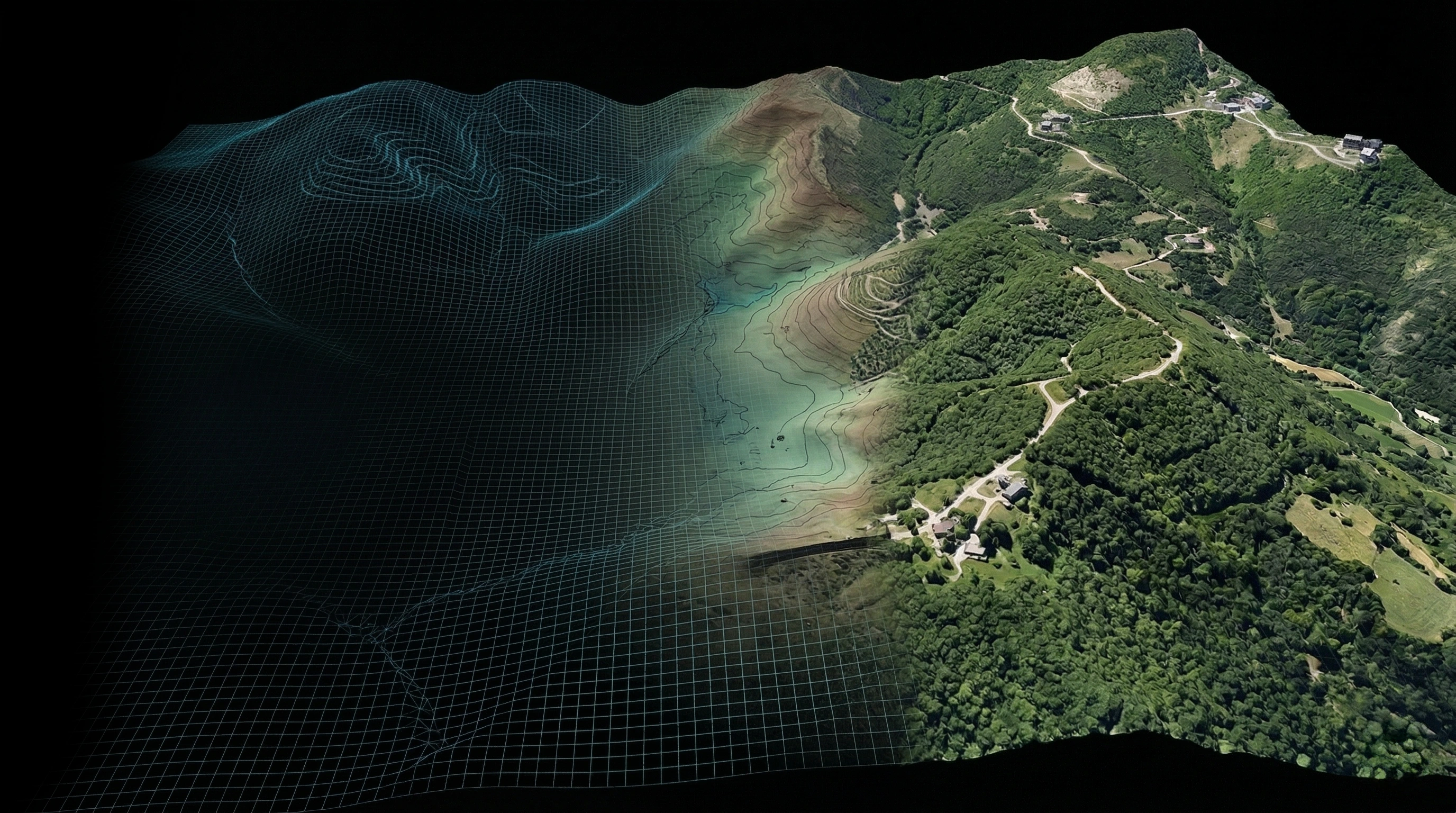
Engineering Handoff
Export SPIDAcalc packages, pole reports, thermal reports, DXF, GeoJSON, KML, KMZ, CSV, and reverse-classified point clouds.
DeliverablesDigital Grid Workflow
One model carries as-built, joint-use, QA, analysis, and export.
The Digital Grid is not just a visualization layer. It is the editable network model that ties utility assets, span geometry, optional GIS guidance, joint-use attachment context, clearance checks, vegetation clusters, and engineering deliverables together.
- 01Build
01Build
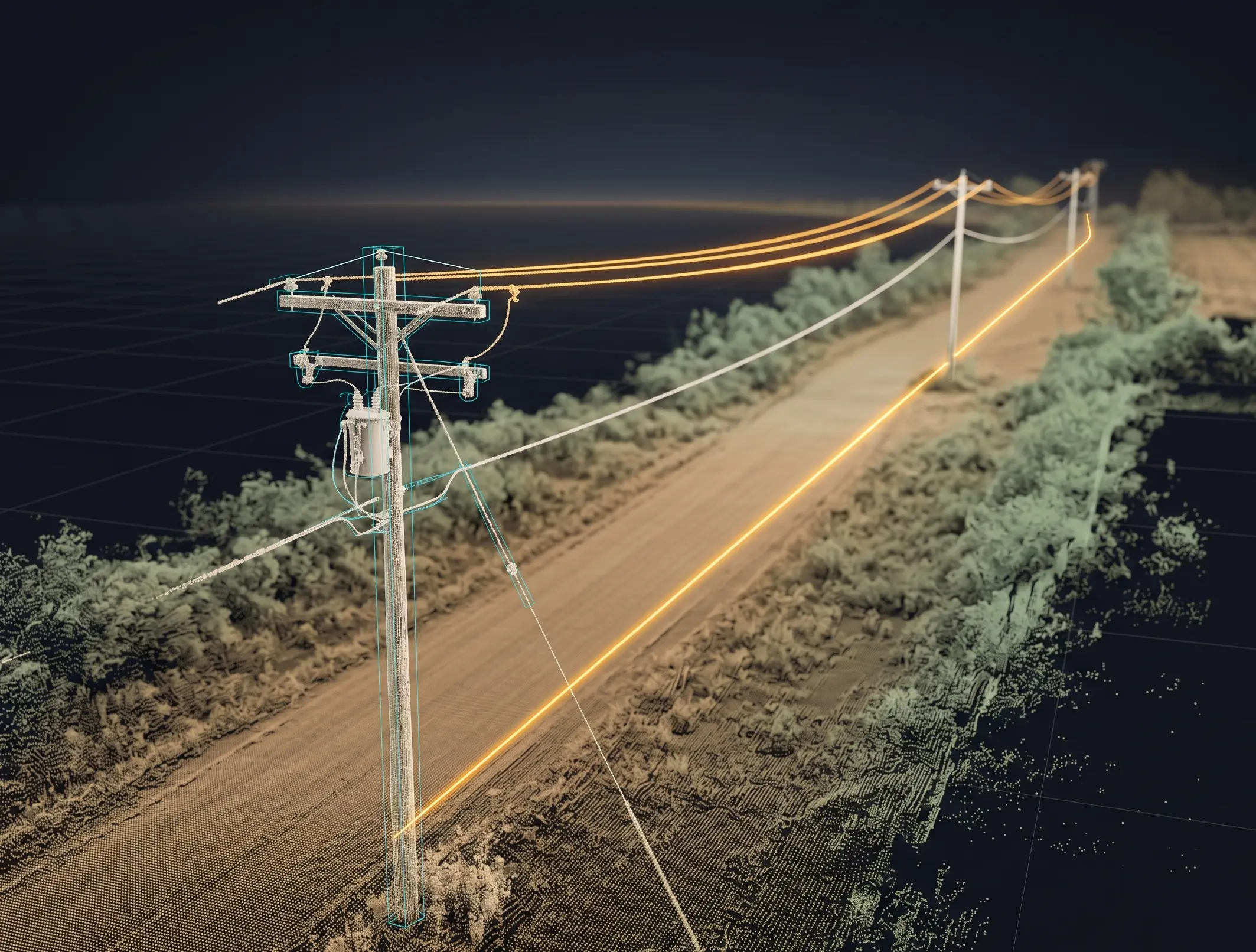
Create the utility model
Start from the point cloud directly, or bring GIS, rough pole locations, or planned span geometry when you already have it. Digital Grid uses that optional context to speed up pole, span, and wire extraction before filling in crossarms, guy wires, service drops, transformers, and street lights.
- Point-cloud-first pole extraction
- Point-cloud-first wire extraction
- Optional GIS and rough location import
- Optional pole and span guidance
- Crossarm and attachment placement
- 02Refine
02Refine
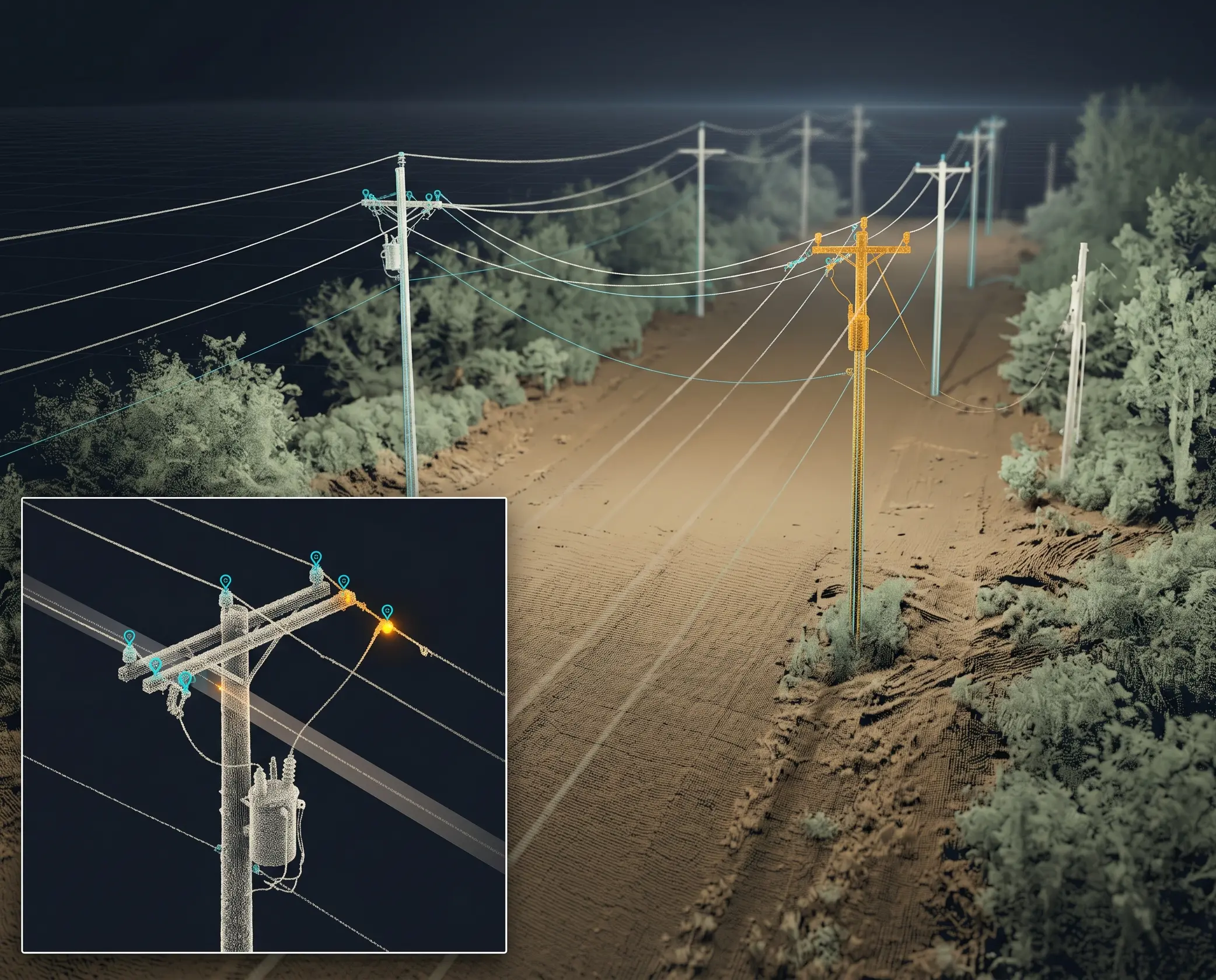
Tighten the span details
Review wire endpoints in context, classify attachment types, and use lower-level extraction when distribution detail needs more control than a first pass can provide.
- Attachment Refinement
- Lower Level Extraction
- Wire attribute review
- Pole and crossarm edits
- 03Joint Use
03Joint Use
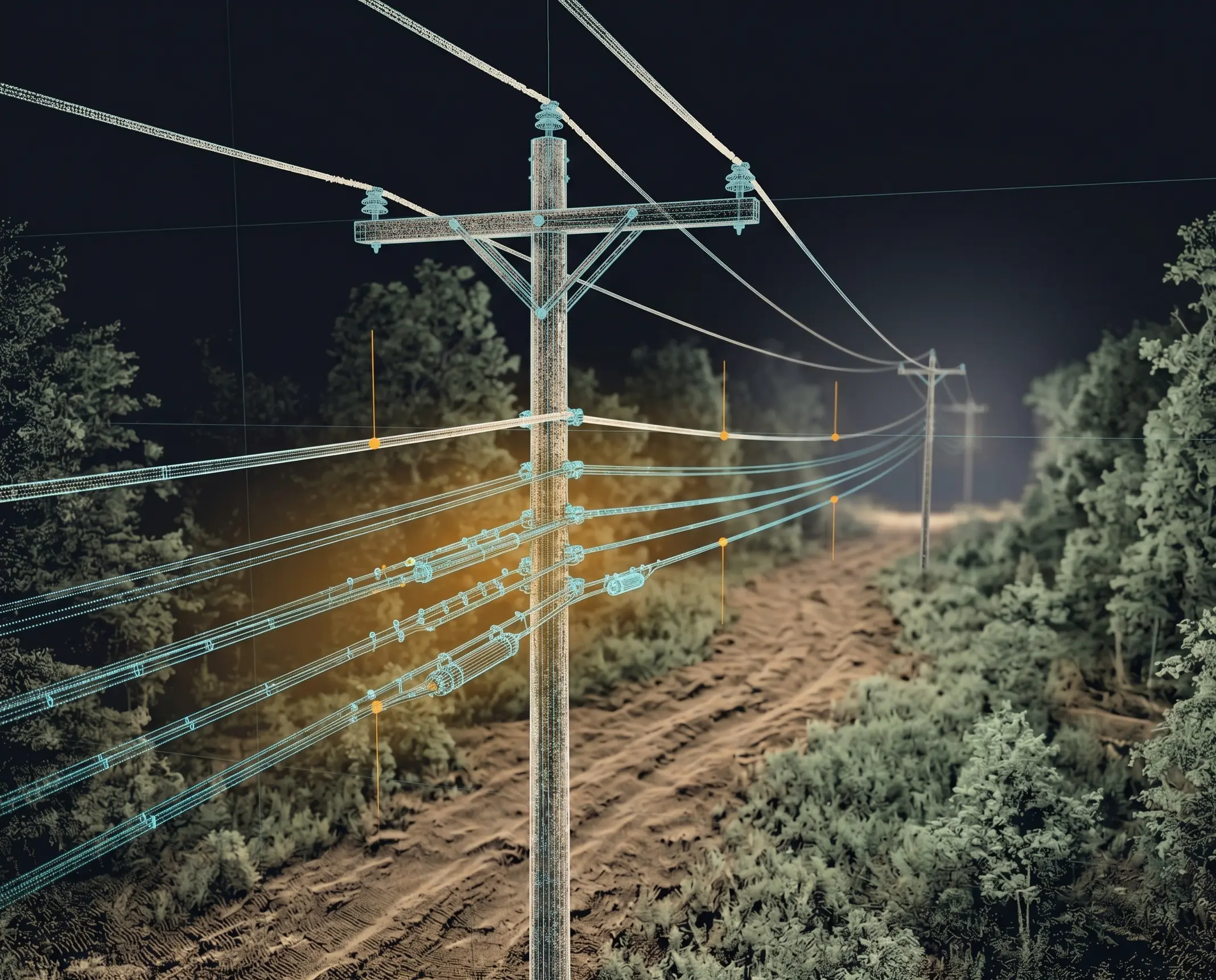
Prepare broadband attachment work
Use the Digital Grid to review existing utility space, lower-level communications detail, pole context, and make-ready evidence for joint-use and BEAD-style deployment projects.
- Joint-use attachment context
- Lower-level wire refinement
- Pole-by-pole review evidence
- Reports for make-ready handoff
- 04Analyze
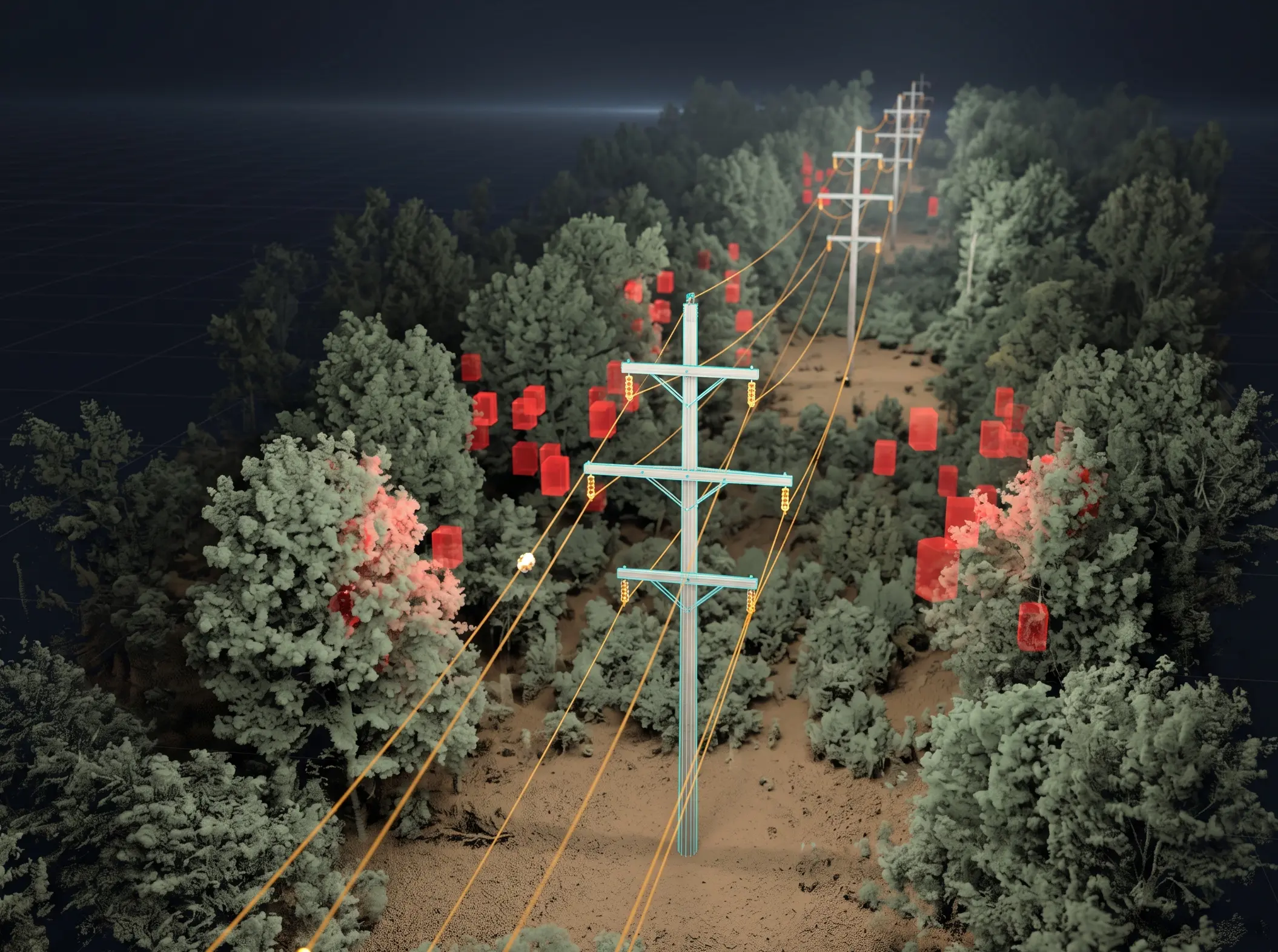
04Analyze
Run grid-aware checks
Use the Digital Grid as the source of truth for vegetation clearance, load-case sag prediction, wind blowout, and configurable clearance checks.
- Vegetation Analysis
- Load Case Clearance Scan
- Wind blowout and sag metrics
- Clearance violation review
- 05Deliver
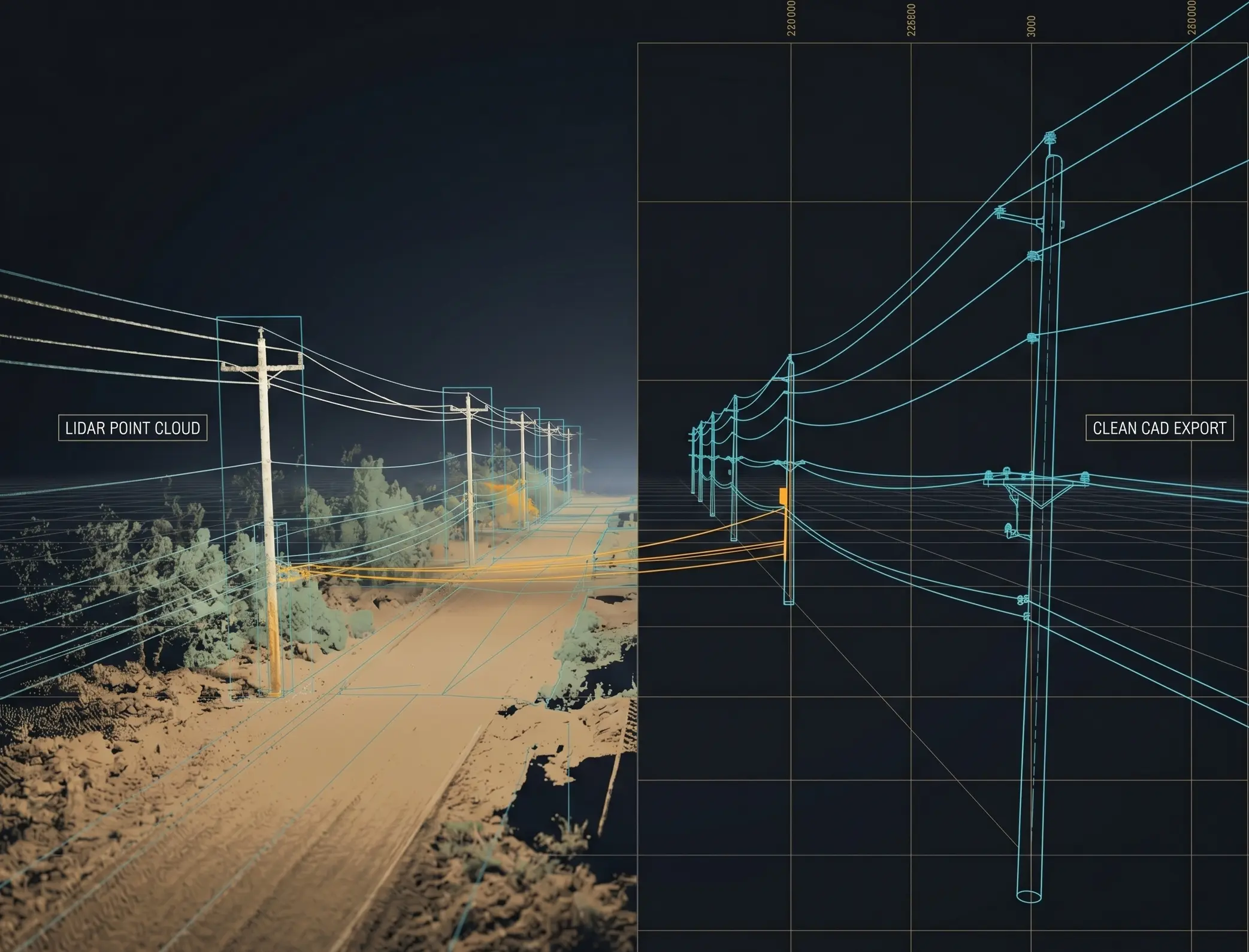
05Deliver
Hand off the work
Package the model for engineering, GIS, CAD, pole loading, and downstream point-cloud workflows without separating the analysis from the geometry.
- SPIDAcalc exchange export
- DXF, GeoJSON, KML, KMZ, CSV
- Pole and thermal reports
- Reverse Classification
Optional GIS Guidance
Already have rough pole or span locations? Use them to move faster.
Digital Grid works directly from the point cloud. When GIS lines, planned spans, or rough pole locations are available, Quantiscan can use them as optional guidance to accelerate pole and wire extraction against the LiDAR.
Joint Use & BEAD Projects
Plan broadband attachments from a reviewable utility model.
BEAD-funded and joint-use broadband projects need pole, span, existing attachment, lower-level wire, and make-ready context. Digital Grid keeps that evidence tied to the LiDAR and ready for engineering review.
Digital Grid Analysis
Clearance, vegetation, sag, and blowout checks stay tied to the model.
Run analysis against the same poles, spans, wires, attachments, and point-cloud context that the reviewer is editing. Results can be inspected in the viewer and exported as reports.
Digital Grid Deliverables
Handoff formats for engineering, GIS, CAD, pole loading, and point-cloud cleanup.
Export SPIDAcalc exchange packages, pole reports, thermal reports, DXF, GeoJSON, KML, KMZ, CSV, and reverse-classified point clouds from the Digital Grid.
Digital Grid exports are designed around downstream utility workflows, not one-off screenshots.
Talk through a Digital Grid project
Bring a utility LiDAR workflow, joint-use broadband project, existing engineering handoff, clearance-analysis need, or GIS data you want to use as optional extraction guidance. We will map it to the Digital Grid tools that matter.
Frequently Asked Questions
Common questions about Digital Grid.
What is a Digital Grid?
A Digital Grid is Quantiscan's editable utility network model built from LiDAR: poles, spans, wires, crossarms, attachments, vegetation results, clearance checks, and export metadata.
What utility assets can it model?
The current toolset covers poles, towers, spans, wires, crossarms, guy wires, service wires, street lights, transformers, pole IDs, and attachment review state.
Can existing GIS or rough pole locations speed up extraction?
Yes, but they are optional. Digital Grid can extract from the point cloud directly; GIS lines, planned spans, or rough pole locations can be used as guidance when they already exist.
What analysis can run against the model?
Digital Grid analysis includes vegetation clearance, configurable clearance tables, load-case sag prediction, wind blowout, and per-span or per-wire reporting.
How does Digital Grid help joint-use or BEAD projects?
It gives broadband and utility teams a shared pole-by-pole model for existing attachments, lower-level communications detail, make-ready context, reports, and engineering export.
What can I export?
Digital Grid exports include SPIDAcalc exchange packages, DXF, GeoJSON, KML, KMZ, CSV, sectioned pole reports, thermal reports, and reverse-classified point clouds.
Is Digital Grid only an automatic extractor?
No. Extraction starts the model, but the workflow also includes alignment authoring, lower-level wire extraction, attachment refinement, editing tools, QA, and export review.